Publishing Artifacts
Learn about artifiacts and how to publish them
What is an artifact?
Once you have created a set of events. Its time to publish them. Publishing events creates an artifact which carries generated code for multiple languages. These are plain data object classes auto created for you based on the events that you have defined in the dashboard.
How to publish an artifact?
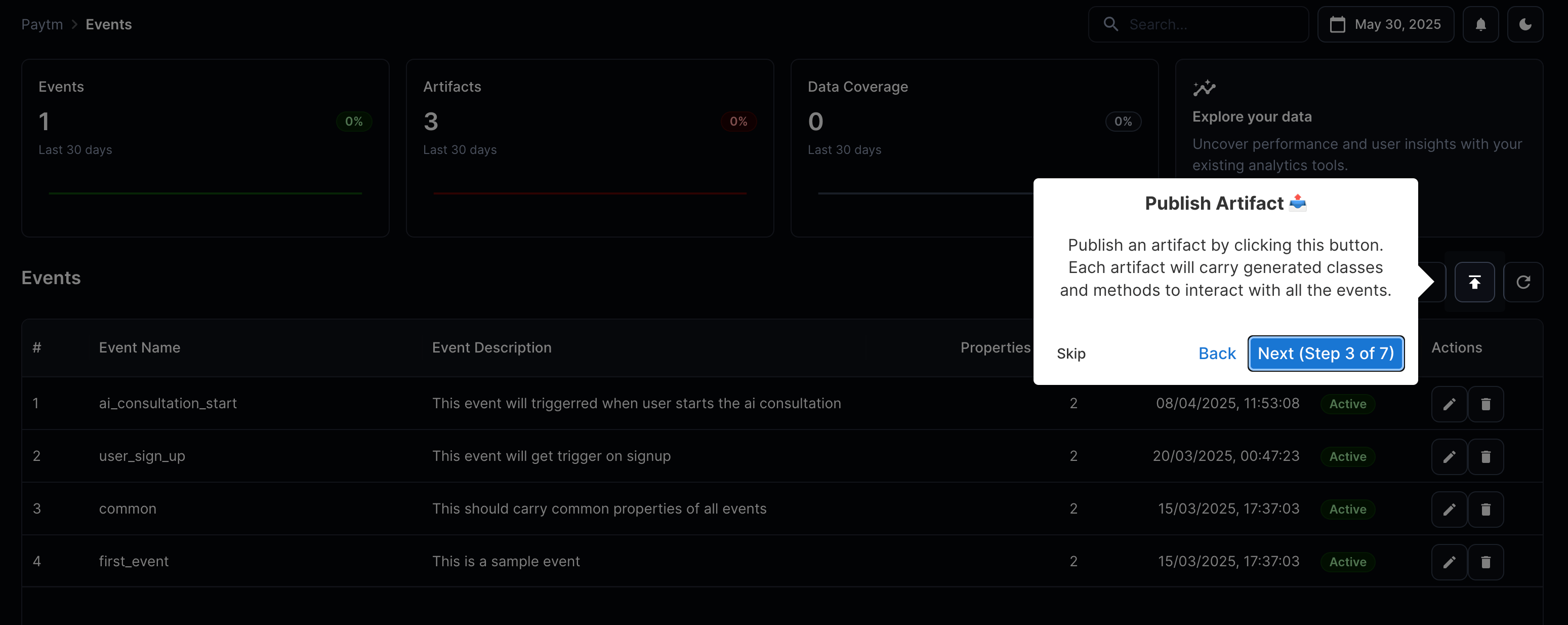
There is publish icon right next to create event button on the events page that do this. You would have to provide a text message for the publishing.
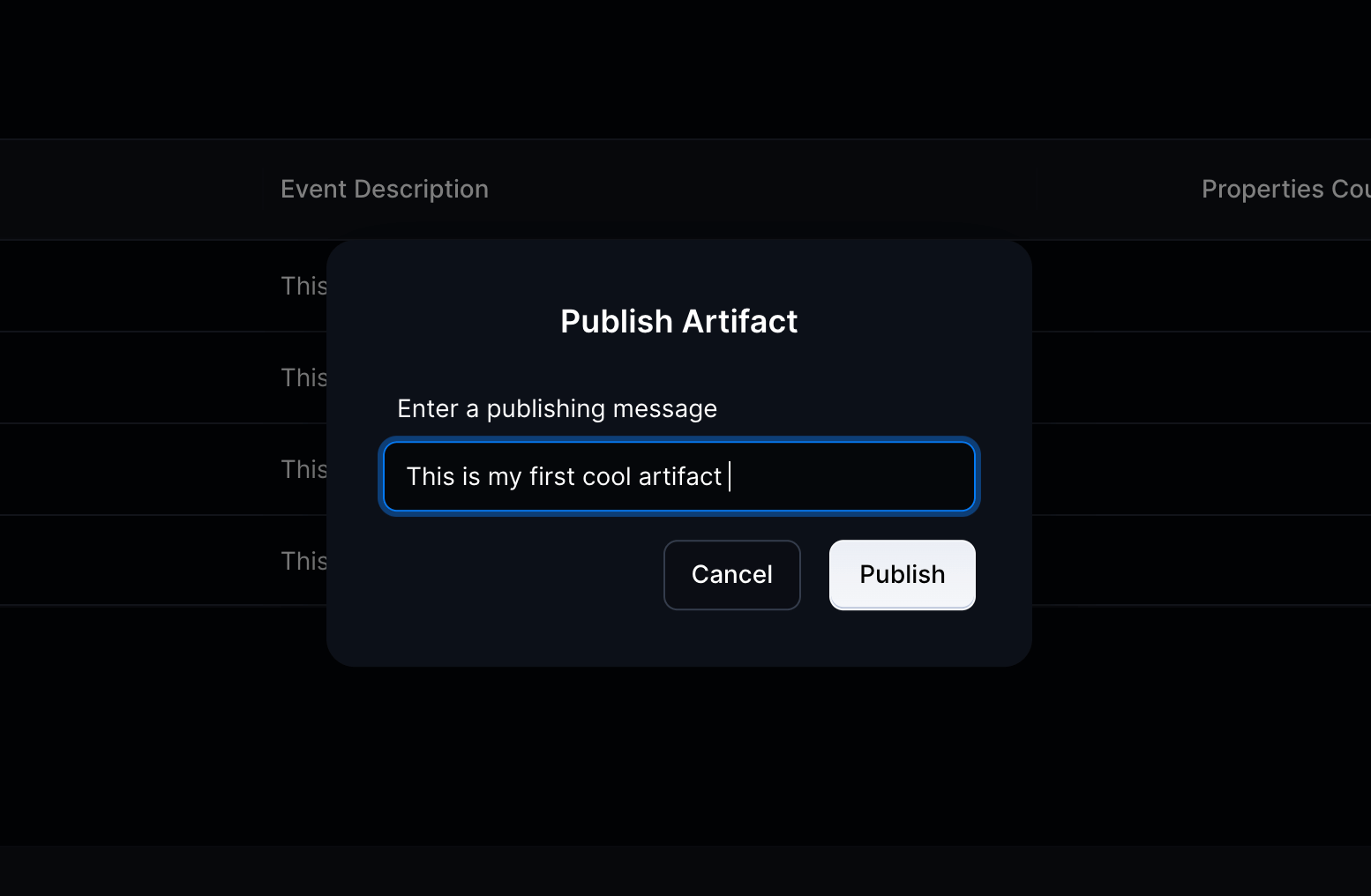
This should pop up a dialog where you can give a publishing message. It is mandatory.
What all languages are supported?
- Java
- JavaScript
- Kotlin
- Swift
- Dart
- TypeScript
How to download the artifacts?
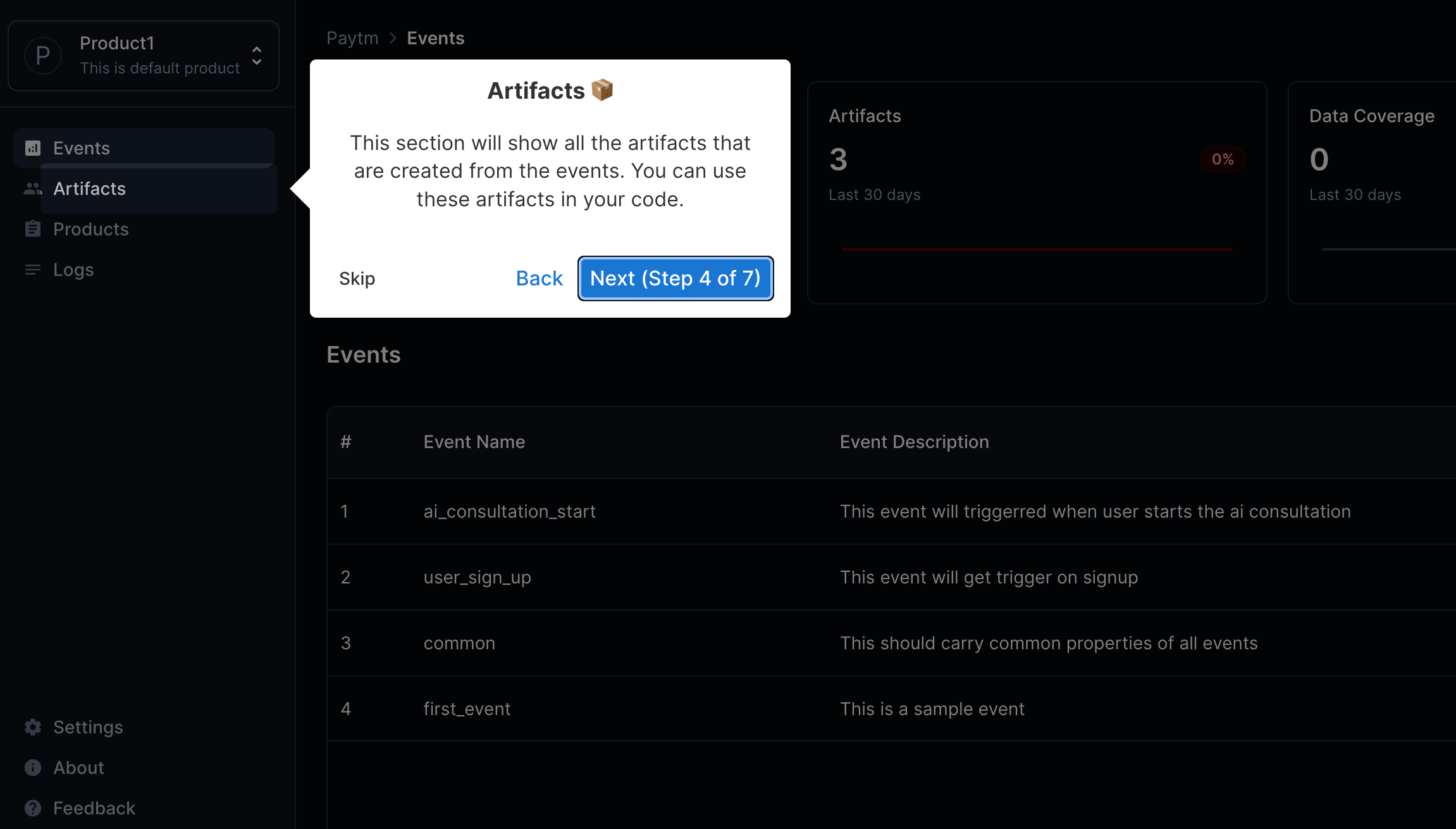
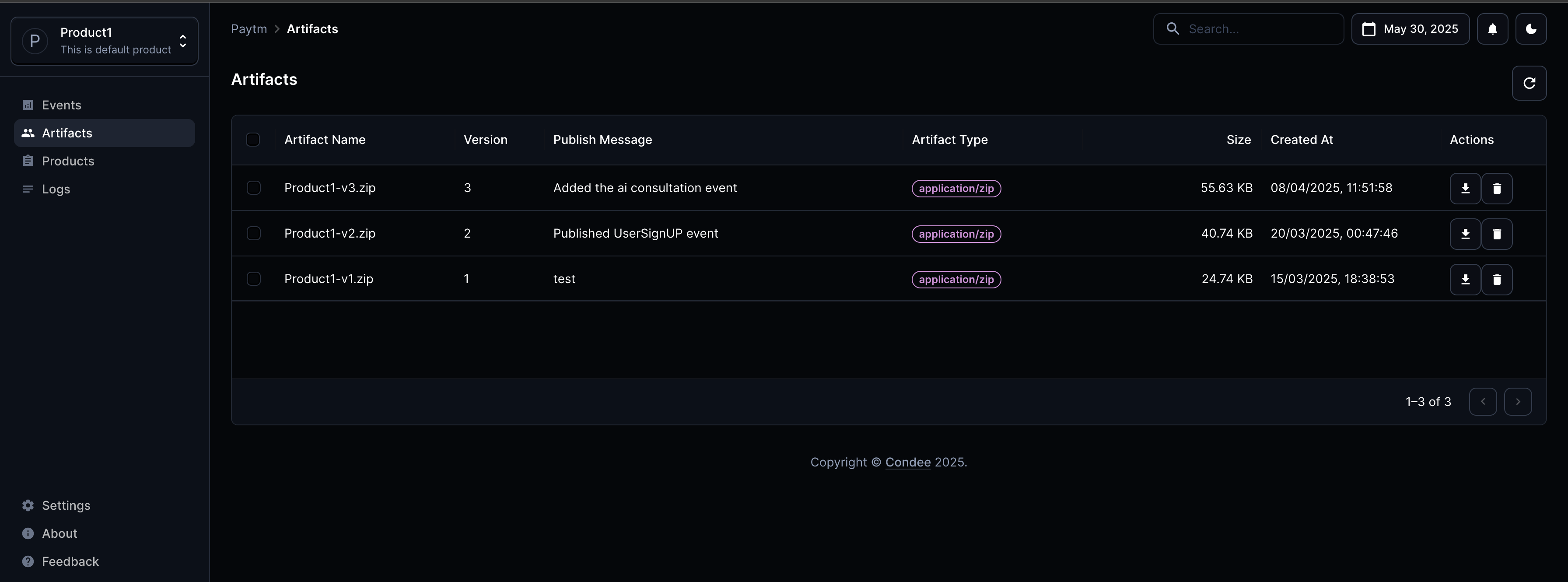
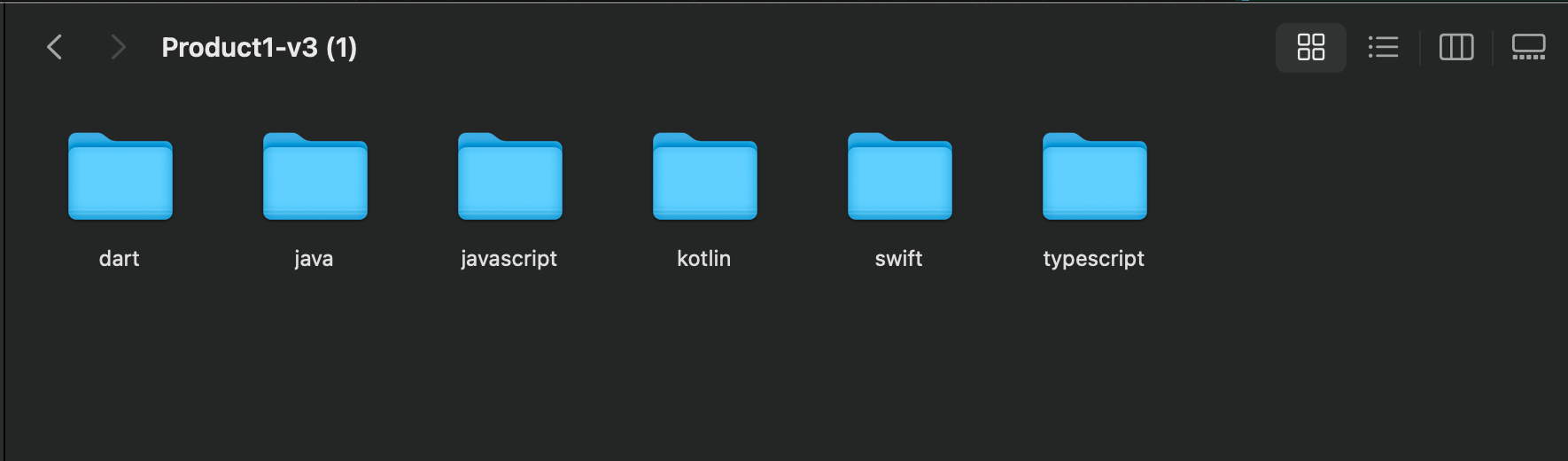
You can see a dedicated listing for all the artifacts under the selected product. You can simply download the artifact from there. Its a zip file that carries the generated code. Refer the screenshots.
That's it. You are done 🎉