Create an Event
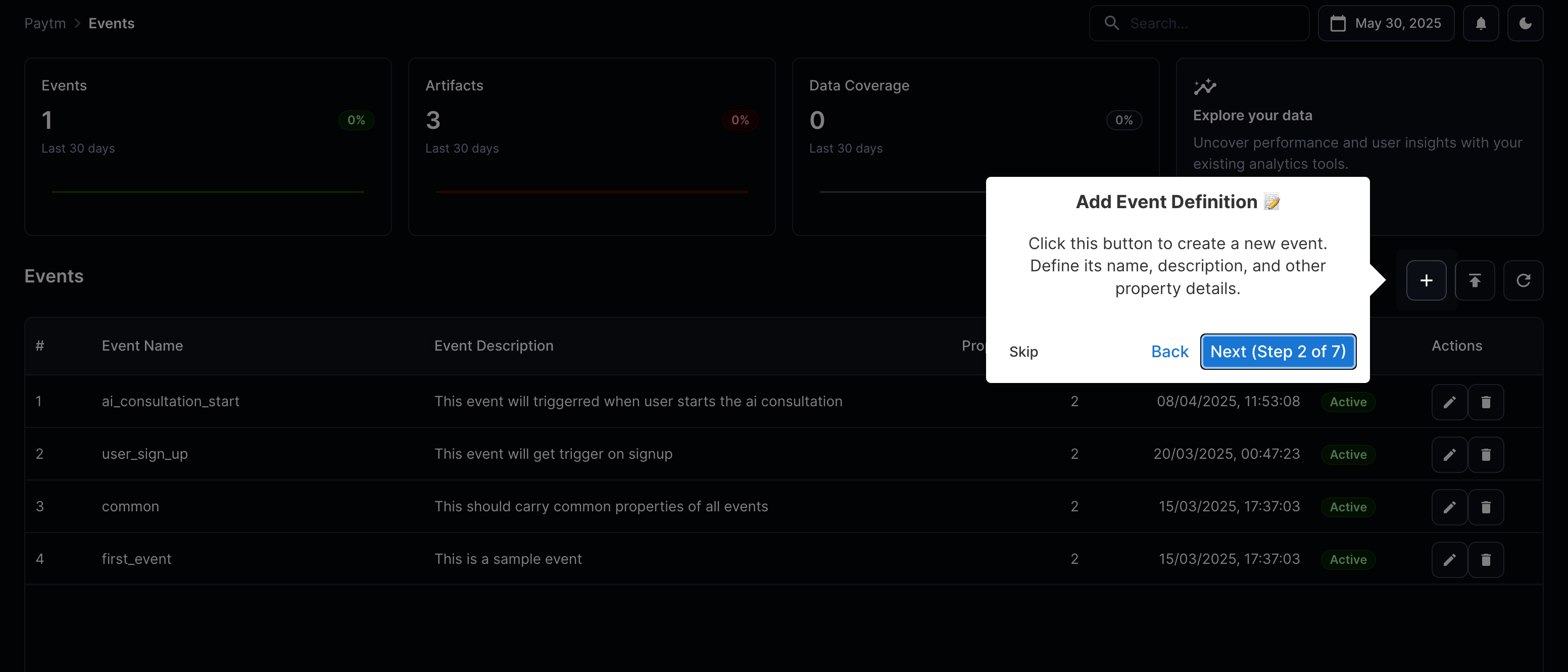
Just click on the plus icon on your events page on the dashboard. That should lead you to event creation flow. Where you can name the event and define its various properties.
It pops up a dialog that you can use to define your analytics spec. You can create multiple properties at the same time. Define the data type of each property value. Along with validation checks if it is mandatory for client to send the property.
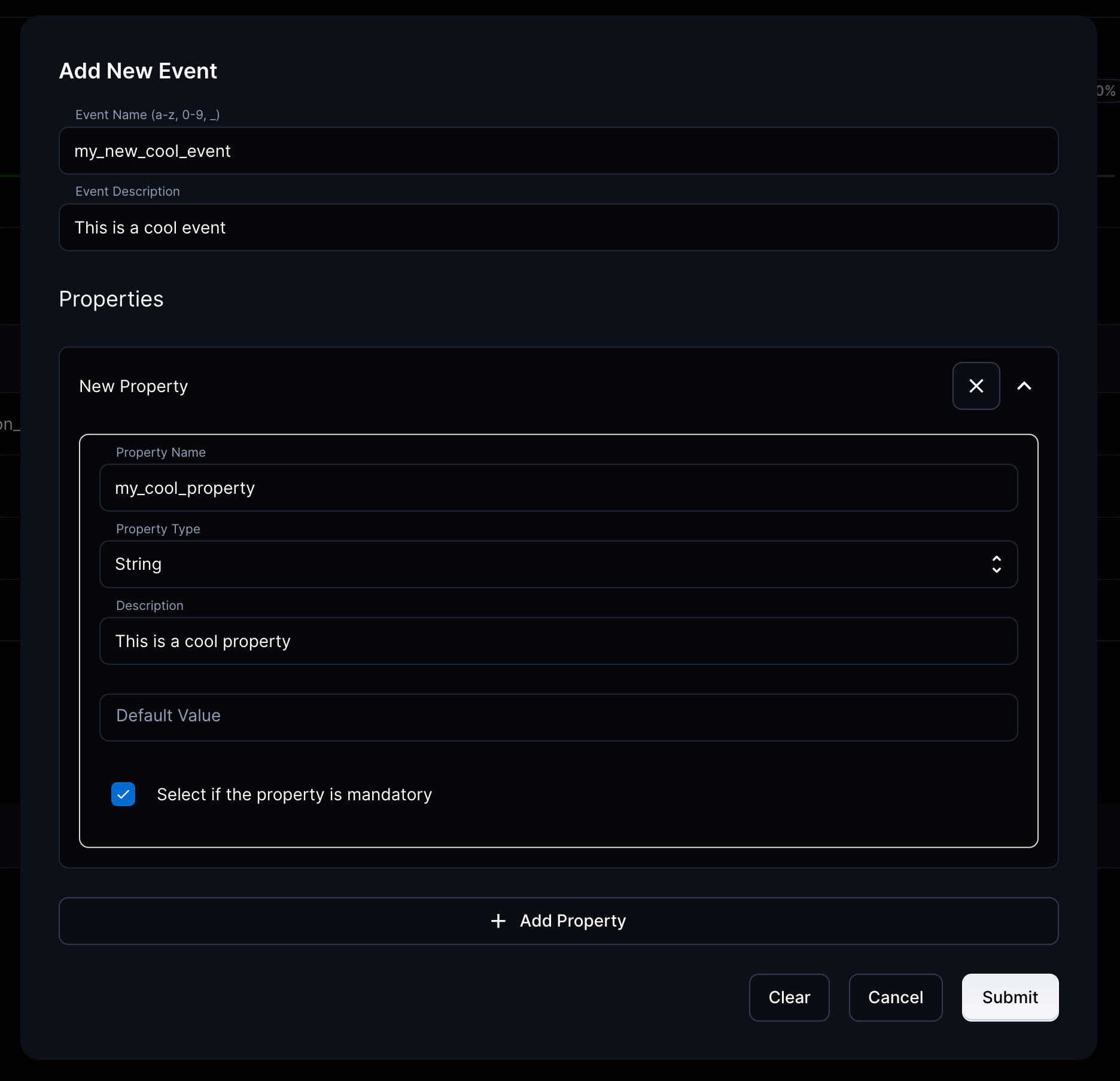
Click on submit and you are done. 🎉